Points and the shop
You earn points in several places in the app, and the shop is one of the places you can spend them. What you buy is yours to put on and take off as you like.
Buying
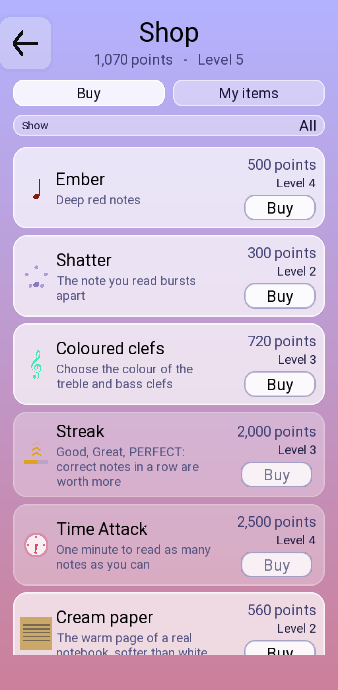
Shop sits at the bottom of the home screen.
 1
2
3
4
1
2
3
4
- What you have to spend, and your level.
- Buy is what is on sale. My items is what you own.
- What an item costs, the level it needs, and Buy.
- A grey Buy: you are short of points, or short of level.
- Read the price and the level on the item.
- Touch Buy.
- Open My items and touch Wear to put it on.
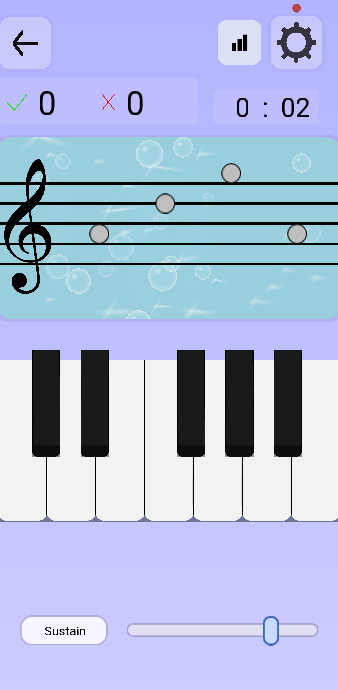
Your level
Your level goes up with everything you earn. Some of the things in the shop unlock at a certain level.
Wearing what you own
 1
2
3
4
1
2
3
4
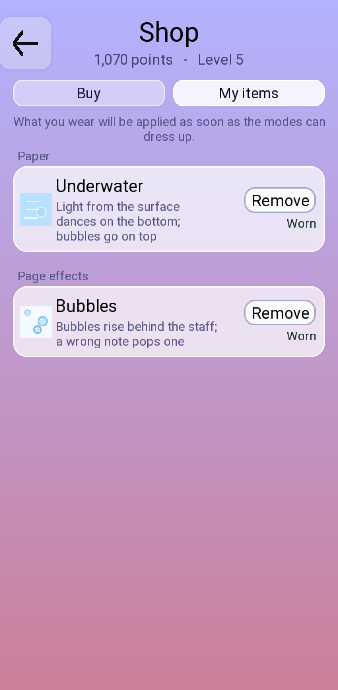
- The kind the item belongs to.
- Wear puts it on. It turns into Remove once it is on.
- The item you have on is tagged Worn.
- Another kind, worn at the same time.
You can wear the items you own. Some can only be worn on their own, and some can be worn together.
A mode bought in the shop turns up under Other modes, in the Courses & exercises hub.